Mobile Portal
Simplified mobile experience
New to our platform?
Become a Dealer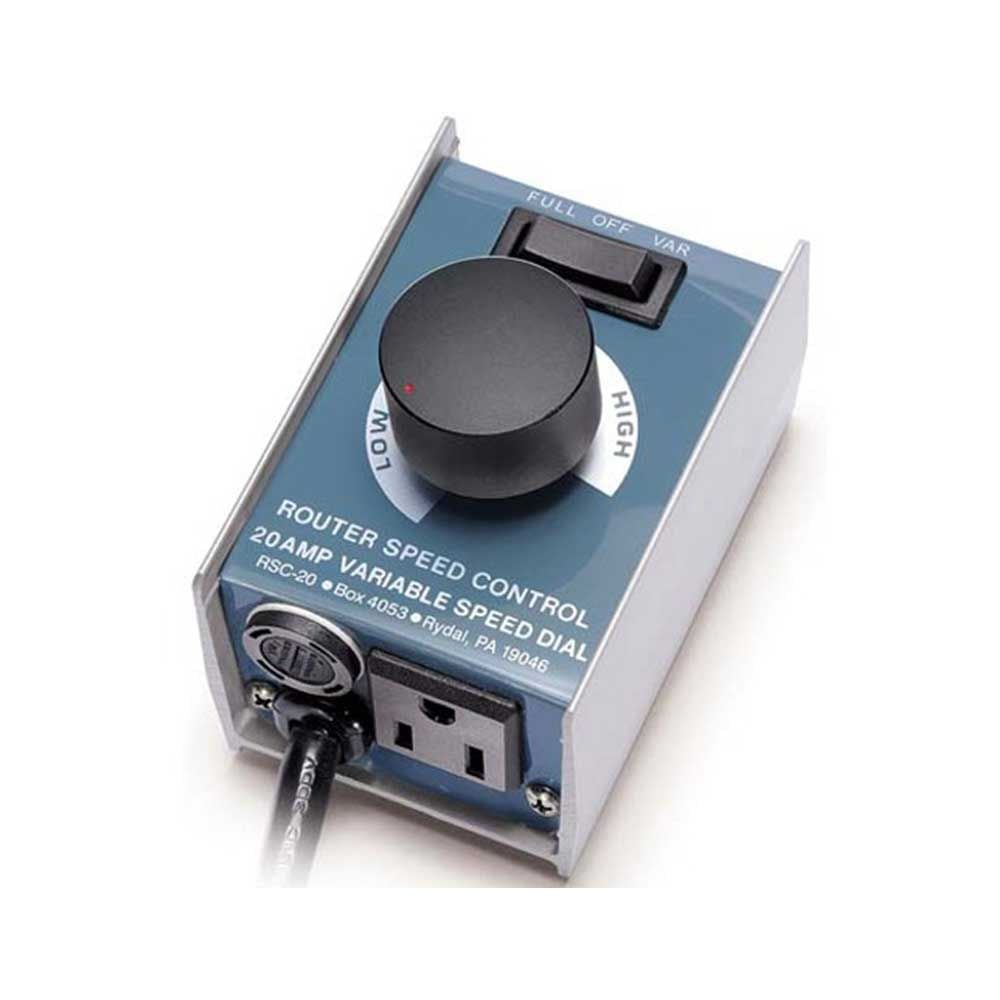
20amp Heavy Duty Speed Control
MLCS 9410 20amp Heavy Duty Speed Control
20amp Heavy Duty Speed Control
MODEL NO:
N/A
UPC NO:
645710036880
MLCS Heavy Duty Router Speed Control 20 amp allows a woodworker to reduce the speed of a router without reducing torque. Electronic feedback maintains speed by increasing voltage to motor as load increases. Work at the best speed for the bit and the wood. Recommended for industrial and commercial use. Simply plug in speed control then plug your router into the speed control. Adjust speed from 0 RPM to full speed.
WARNING:
- Will not work with soft start or variable speed routers.
- Will not work with "AC capacitor start induction" type motors.
NOTICE:
LOADS OVER 15 AMPS ONLY.
- Variable Speed Controllers are calibrated to the amperage load of the tool connected to it. The 20 AMP Variable Speed Controller is factory calibrated for amperage loads OVER 15 AMPS. If your tool does not have a load OVER 15 AMPS, your tool will not work properly with this Variable Speed Controller.
Features:
- Less tear out • Stops burning • Feed at comfortable rate.
- Better, safer results with large diameter panel raising bits.
- Less wear on bits • Less noise • Softer starts at lower speeds.
- Adjustable speed from 0 RPM to full speed.
- 3 position rocker switch- Variable / Off / Full Speed.
- Full power and torque at all speeds.
- Go back and forth from any preset speed to full speed at the flip of a switch.
- Works with most routers 3-1/4 HP or less • 120V.
- Give your router a feature only available on expensive routers.
- Easy to use- Simply plug in speed control and plug your router into the speed control- turn dial slowly for best results. (Speed control has a clip that can be worn on your belt, hung on wall, or left loose).

To install this Web App in your iPhone/iPad press
 and then Add to Home Screen.
